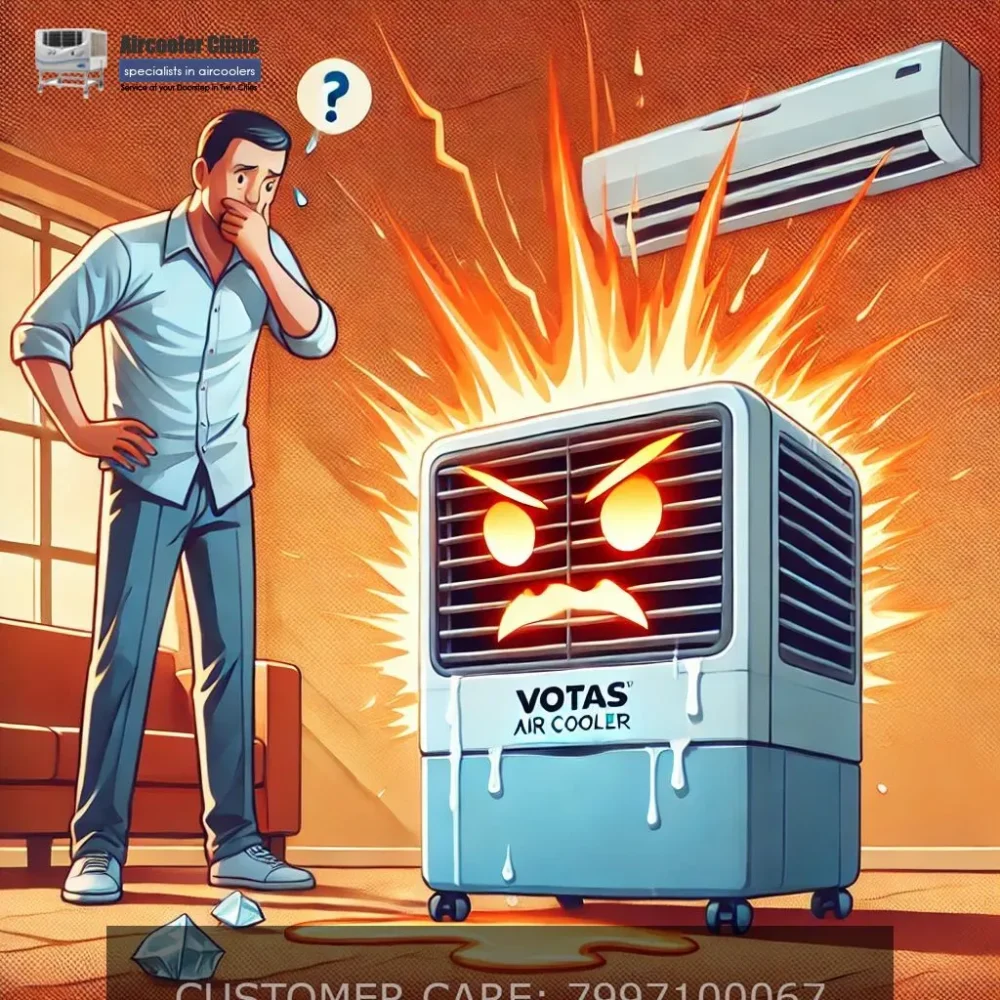
Why Does My Voltas Air Cooler Overheat and Shut Down? Causes and Safe Checks
If your Voltas air cooler becomes unusually hot or switches off after running for a short time, stop using it until you have checked for obvious safety concerns. Possible causes include restricted airflow, a fan or motor problem, an electrical fault, or a protective shutdown. The exact cause depends on the model and symptoms.
Start with simple external checks only. If you notice a burning smell, smoke, sparks, damaged wiring, or unusually hot electrical parts, disconnect the power if it is safe to do so and do not restart the cooler. Arrange a professional inspection.
Why Does a Voltas Air Cooler Overheat and Shut Down?
A Voltas air cooler may overheat or shut down because of a mechanical, airflow, electrical or control-related problem. However, an automatic shutdown does not by itself prove that the motor has failed.
The most useful first step is to observe when the problem occurs and whether there are warning signs such as unusual noise, reduced airflow, a burning smell or repeated shutdowns.
Common causes of overheating and shutdown
Possible cause | Symptoms you may notice | What it means |
Restricted airflow | Weak airflow or visibly obstructed external air passages | The cooler may not be moving air as intended. |
Fan or motor problem | Fan stops, struggles to run, makes unusual noise or the unit shuts down | A mechanical or motor-related fault may need inspection. |
Dust or mineral buildup | Visible deposits on accessible surfaces, reduced airflow or poor cooling | Maintenance may be needed, but buildup alone does not confirm the cause of overheating. |
Electrical or power-supply fault | Intermittent operation, an unresponsive unit, a damaged plug or unusual electrical symptoms | The supply, connections or internal electrical components may require professional diagnosis. |
Control or protective shutdown | The cooler switches off unexpectedly or behaves differently from normal | The reason depends on the specific model and its control or protection features. |
These are possible explanations, not confirmed diagnoses. More than one issue can occur at the same time.
1. Switch Off the Cooler and Check for Warning Signs
Before attempting any cleaning or troubleshooting, switch the cooler off.
If there is a burning smell, smoke, sparking, visible electrical damage or an unusually hot plug or socket, do not continue operating the appliance. Disconnect it from the power supply only if you can do so safely without touching damaged or hot components.
Do not repeatedly restart a cooler that shuts down after a short period. Repeated operation may worsen an existing fault.
If there are no immediate warning signs, proceed only with basic external checks.
2. Check for Restricted Airflow
Airflow problems can affect cooler performance. Dust, debris or an obstructed external air passage may restrict the movement of air.
With the cooler switched off and disconnected from power:
- Look for visible obstructions around the external air inlets and outlets.
- Check whether the area around the cooler allows air to move freely.
- Look for accessible dust buildup on exterior surfaces.
- Consult the instruction manual for cleaning procedures specific to your model.
Do not insert tools or your fingers into the fan area. Do not remove panels to reach internal components.
If the airflow remains weak or the cooler continues shutting down, arrange an inspection instead of assuming that cleaning alone will solve the problem.
3. Consider Whether the Fan or Motor Needs Inspection
A fan that stops spinning, runs inconsistently or makes an unusual noise may indicate a mechanical or motor-related problem.
Possible warning signs include:
- The fan stops while the cooler is operating.
- Airflow becomes noticeably weaker than usual.
- The appliance makes unfamiliar humming, grinding or rattling sounds.
- The cooler repeatedly shuts down during use.
These symptoms do not establish that the motor is defective. Other components or electrical faults may produce similar behaviour.
For more information about this specific symptom, see our guide to Voltas air cooler fan troubleshooting.
Do not open the cooler, test a capacitor, handle internal wiring or attempt motor replacement yourself. Those tasks require appropriate technical knowledge and safety precautions.
4. Check for Dust and Mineral Buildup
Dust and mineral deposits can accumulate on accessible cooler surfaces and, depending on the design and maintenance history, may affect airflow or water distribution.
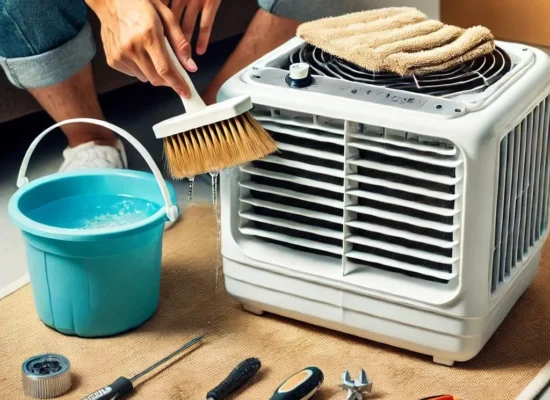
With the appliance unplugged, inspect only the areas that your model’s instructions identify as safe for routine user cleaning.
Important precautions:
- Use only cleaning methods permitted by the manufacturer.
- Do not assume that vinegar, descaling chemicals or other cleaning agents are suitable for every cooling pad or component.
- Do not spray water into electrical controls or the motor compartment.
- Do not run the appliance until any cleaning or reassembly required by the manufacturer’s instructions has been completed.
If you see chalky deposits or suspect mineral scaling, consult our guide to hard-water scaling in Voltas air coolers.
5. Check the Water Level and Operating Conditions
If your model uses a water tank, check the displayed or visible water level according to the manufacturer’s instructions.
A low water level can affect water-based cooling performance, but it should not automatically be treated as the cause of motor overheating or electrical shutdown.
Also consider whether:
- The cooler is being used in accordance with its instructions.
- The water tank is filled within the permitted range.
- The appliance has sufficient clearance around its air inlets and outlets.
- The problem started after cleaning, moving or refilling the cooler.
If the appliance continues to overheat or switch off after these external checks, stop using it until the underlying issue has been assessed.
6. Consider a Possible Electrical or Control Fault
A damaged plug or power cord, a problem with the supply, or a fault inside the appliance can cause abnormal operation. The symptoms alone may not reveal which part is responsible.
You can visually check the plug and external cord without opening the appliance. Do not use the cooler if you notice cuts, exposed conductors, burn marks, melting or other visible damage.
Do not:
- Open the electrical compartment.
- Touch internal wiring or electrical terminals.
- Test live circuits.
- Bypass a fuse or protective device.
- Install a voltage stabilizer without confirming that it is appropriate for the model and supply conditions.
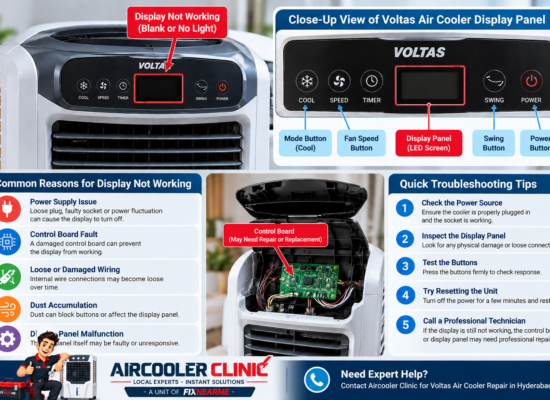
If the display is blank or the controls are not responding, the problem may be different from a motor-overheating fault. See our Voltas air cooler display troubleshooting guide.
7. When Should You Stop Troubleshooting?
Stop using the cooler and seek professional assistance if:
- The appliance repeatedly shuts down.
- The motor area becomes unusually hot.
- You notice a burning smell, smoke or sparks.
- The fan stops or makes unusual noises.
- The power cord, plug or socket shows damage.
- The cooler trips an electrical protective device.
- The problem persists after safe external checks.
Do not bypass a protective shutdown or repeatedly switch the cooler back on to see whether it will continue running.
If the cooler is still under warranty, review the warranty conditions and consider contacting the manufacturer through its official support channels before authorizing independent repairs.
How Can You Help Prevent Future Problems?
Routine care can help you identify visible maintenance issues early, although it cannot prevent every mechanical or electrical fault.
Follow these practices:
- Follow the model’s cleaning instructions. Clean accessible parts at the intervals and in the manner specified by the manufacturer.
- Keep external air passages clear. Avoid placing objects directly against the cooler’s air inlets or outlets.
- Maintain the recommended water level. For models with a water tank, follow the instructions for filling and draining it.
- Look for unusual changes. Pay attention to reduced airflow, unexpected shutdowns, new noises and visible damage.
- Avoid unapproved modifications. Do not alter electrical components or defeat safety features.
- Arrange inspection when symptoms persist. Repeated overheating or shutdowns should not be treated as a routine cleaning issue without further assessment.
Frequently Asked Questions
Why does my Voltas air cooler switch off after a few minutes?
Possible causes include an airflow restriction, a fan or motor problem, an electrical fault or a protective shutdown. The timing alone does not identify the faulty component. Stop using the cooler if it becomes unusually hot or shows other warning signs.
Can dirty cooling pads cause a Voltas air cooler to overheat?
Dust or deposits may restrict airflow, depending on the cooler’s design and condition. However, dirty pads do not automatically explain every overheating problem. Use the cleaning procedure specified for your exact model.
Should I keep restarting the cooler when it shuts down?
No. If the cooler repeatedly shuts down, switch it off and investigate only the safe external checks described above. Repeated restarting may worsen an existing fault.
Can I repair an overheating cooler at home?
You can perform basic external checks and manufacturer-approved routine cleaning. Internal electrical, motor and control-system repairs should be handled by an appropriately qualified technician.
Does an overheating Voltas cooler always need a new motor?
No. A motor fault is only one possible cause. The actual problem must be established through appropriate inspection before any component is repaired or replaced.
What should I do if the cooler smells burnt?
Switch it off and disconnect the power if it is safe to do so. Do not restart it or open the electrical compartment. Arrange professional inspection before further use.
Conclusion
A Voltas air cooler that overheats or shuts down may have an airflow, mechanical, electrical or control-related problem. Start by checking for safety warning signs, inspect only accessible external areas, and follow the cleaning and operating instructions for your exact model.
If the cooler repeatedly shuts down, becomes unusually hot or shows electrical warning signs, stop using it and arrange a professional assessment. Do not assume that the motor is faulty until the cause has been properly identified.
Air Cooler Clinic — Doorstep Service Information
Aircooler Clinic is a unit of FIXNEARME providing doorstep air cooler services in Hyderabad and applicable service areas. Aircooler Clinic does not operate a separate physical service center.
For independent air-cooler repair assistance, contact Aircooler Clinic to enquire about service availability for your location and the symptoms you have observed.
- Phone: 79971 00067
- Email: aircoolerclinic@gmail.com
- Complaint booking: Submit a complaint booking enquiry
Aircooler Clinic is not represented here as a Voltas-authorized service center. If your cooler is under warranty, verify the applicable conditions and manufacturer support options before arranging independent repairs.