How to Fix a Voltas Air Cooler Remote That Is Not Working
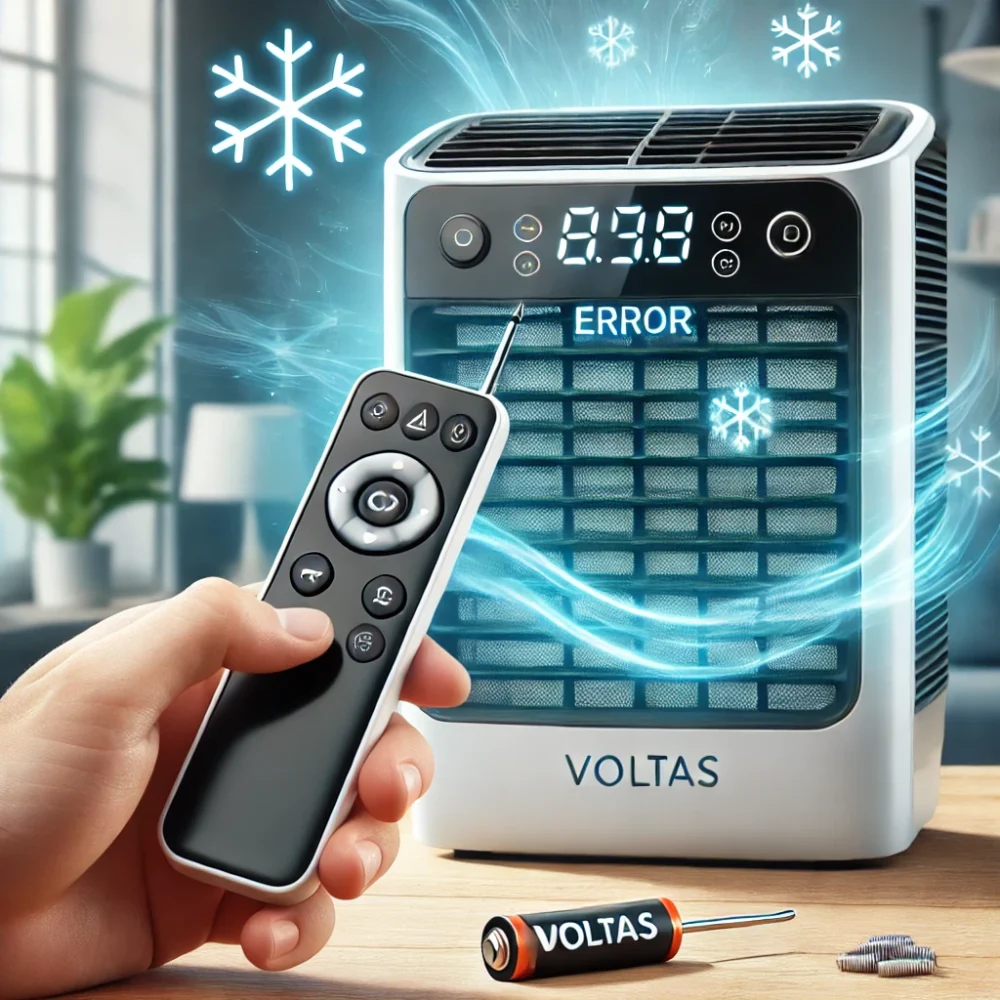
A Voltas air cooler remote that stops responding may have weak batteries, incorrect battery installation, an obstructed signal path or a fault involving the remote or the cooler’s receiving system. The cause cannot be confirmed from the symptom alone.
Start with the safe checks below before considering repair. Because remote features and operating procedures can vary by model, always use the instructions supplied for your particular cooler.
Quick Answer: What to Check First
If your Voltas air cooler remote is not working:
- Confirm that your cooler model supports remote operation.
- Check the remote batteries and replace them if necessary.
- Verify that the batteries match the polarity markings.
- Point the remote toward the cooler’s receiving area from a reasonable distance.
- Remove objects obstructing the signal path.
- Clean accessible external surfaces with a soft, dry cloth.
- If the cooler has physical controls, check whether those controls work.
- Consult the model’s manual before attempting a reset.
Do not open the cooler or attempt electrical repairs to troubleshoot the remote.
Common Reasons a Voltas Air Cooler Remote May Not Work
1. Weak or depleted batteries
Batteries that have weakened over time may prevent a remote from responding reliably.
Open the battery compartment if your remote has one. Replace the batteries using the type specified on the remote or in the product manual. Close the compartment and test the remote again.
Do not assume that every Voltas air cooler remote uses the same battery size.
2. Incorrect battery polarity
Even new batteries will not work if their positive and negative terminals do not match the markings inside the compartment.
Check the plus (+) and minus (−) symbols and reinstall the batteries correctly. Do not force the compartment closed if the batteries do not fit properly.
3. Obstructed signal path
The remote may not communicate reliably with the cooler if objects block the path to its receiving area.
Try operating the cooler from closer range while pointing the remote toward the receiver. Remove any obvious obstruction and test one button at a time.
If the remote works only at close range, the cause could involve weak batteries, the remote itself, the receiver or surrounding conditions. Further testing may be needed.
4. Dust around the remote or receiver
Dust on accessible external surfaces may interfere with operation, particularly if the remote uses an infrared signal.
Use a soft, dry cloth to clean the remote’s external transmitter area and the cooler’s accessible receiver area.
Do not insert objects into openings or remove the cooler’s panels to reach internal components.
5. A damaged remote or unresponsive buttons
If some buttons work while others do not, note which functions are affected. Physical damage, worn buttons or an internal remote fault are possible explanations, but the symptom alone does not establish the diagnosis.
Avoid opening the remote or attempting circuit-level repairs unless you have the appropriate technical knowledge and safety procedures.
6. A problem with the cooler’s controls or receiving system
If the remote still fails after the basic checks, the problem may involve the remote, the receiving system or another control-related component.
If your cooler has a physical control panel, use it to compare the results:
- The panel works, but the remote does not: The remote, batteries or communication path may require further investigation.
- Neither the panel nor the remote works normally: The issue may extend beyond the remote.
- The cooler responds unpredictably: Stop troubleshooting if there are signs of an electrical fault and arrange appropriate technical inspection.
These comparisons help narrow down the possibilities but do not confirm which component has failed.
Step-by-Step: Troubleshoot Your Voltas Air Cooler Remote Safely
Step 1: Identify the cooler model
Find the model number on the product label or in your purchase documents. If you have the user manual, keep it available.
Model identification is important because remote compatibility, battery requirements and operating procedures can differ.
Step 2: Check and replace the batteries
If the remote has replaceable batteries, inspect them and replace depleted batteries with the specified type. Follow the markings inside the battery compartment.
Step 3: Test the remote from close range
Point the remote toward the cooler’s receiving area and press one button at a time. Check whether any function responds.
Step 4: Clear the signal path
Remove objects that may obstruct communication between the remote and the cooler. Clean only accessible external surfaces using a soft, dry cloth.
Step 5: Compare remote operation with the control panel
If your model has physical controls, check whether the cooler responds normally from the panel.
If the panel works but the remote does not, continue to the model-specific manual and consider further diagnosis. If neither works, do not assume the remote is the only problem.
Step 6: Check the manual before attempting a reset
Do not rely on a generic internet reset procedure unless it is documented for your specific model.
A sequence such as removing the batteries, holding buttons for a set period and reinstalling the batteries should not be treated as a universal Voltas air cooler reset method.
Follow the instructions in your model’s manual. If no applicable reset procedure is documented, contact the manufacturer or an appropriate service provider.
What Not to Do When the Remote Stops Working
Avoid the following:
- Opening the cooler to inspect internal wiring.
- Touching electrical connections or electronic components.
- Bypassing safety mechanisms.
- Attempting control-board repairs without appropriate training.
- Replacing internal components based only on symptoms.
- Using an unspecified replacement remote because it looks similar.
- Applying reset instructions intended for a different model.
If you notice a burning smell, visible electrical damage or abnormal power behaviour, stop using the appliance when it is safe to do so and arrange professional inspection.
When Should You Seek Professional Assistance?
Consider further assistance if:
- Correctly installed new batteries do not resolve the problem.
- Buttons remain unresponsive or work intermittently.
- The remote has visible damage.
- The cooler’s receiving area appears damaged.
- Neither the remote nor the physical controls work normally.
- The appliance behaves unpredictably or shows signs of an electrical fault.
A technician can assess whether the problem involves the remote, receiver, control system or another component. A diagnosis should be based on appropriate inspection rather than assumptions from the symptom alone.
If the cooler’s display is also malfunctioning, see the Voltas air cooler display troubleshooting guide. If the fan is also affected, consult the Voltas air cooler fan troubleshooting guide.
When to Contact Voltas Customer Support
If your cooler is under warranty, was recently purchased or requires model-specific guidance, contact official Voltas customer support.
Keep the following information available:
- Cooler model number.
- Purchase information, if relevant.
- A description of the remote problem.
- Whether the physical controls work.
- Any visible damage or unusual behaviour.
Use the manufacturer’s guidance for model-specific instructions and replacement-part compatibility.
Frequently Asked Questions
Why is my Voltas air cooler remote not working?
Possible causes include depleted batteries, incorrect battery installation, an obstructed signal path, a damaged remote or a problem involving the cooler’s receiving or control system. Begin with the safe checks before seeking further diagnosis.
Which battery does a Voltas air cooler remote use?
The required battery type depends on the remote. Check the markings inside its battery compartment or consult the relevant product manual rather than assuming that all models use the same size.
How can I check whether my remote batteries are installed correctly?
Compare the battery terminals with the positive and negative markings inside the compartment. Reinstall them according to those markings.
Why does my remote work only from close range?
Possible explanations include weak batteries, an obstructed signal path, a remote fault or a problem with the cooler’s receiving system. Try fresh, correctly installed batteries and a clear signal path first.
Should I reset my Voltas air cooler remote?
Only follow a reset procedure documented for your specific model. Do not assume that a reset sequence published for another model will work on yours.
What if the remote does not work but the cooler’s buttons do?
The remote, batteries or communication path may be involved. Further diagnosis may be needed if the safe preliminary checks do not resolve the issue.
What if neither the remote nor the cooler’s controls work?
The fault may extend beyond the remote. Avoid opening the cooler and arrange appropriate technical inspection.
Can I repair the remote or cooler circuit myself?
Internal electronic and electrical repairs can present safety risks and require suitable technical knowledge. Restrict your checks to accessible external components and seek qualified assistance for internal faults.
Conclusion
A Voltas air cooler remote that is not responding does not automatically indicate a major cooler failure. Start by checking the model, batteries, polarity, signal path and physical controls.
If these checks do not help, consult the model-specific manual or seek professional diagnosis instead of attempting an unsupported reset or opening the appliance.
For applicable doorstep air cooler service in Hyderabad and covered service areas, subject to availability, contact Aircooler Clinic at 79971 00067 or email aircoolerclinic@gmail.com.
Aircooler Clinic is a unit of FIXNEARME and operates as a doorstep/service-area business. It does not operate a separate physical Aircooler Clinic service centre.
