Why Is Your Blue Star Air Cooler Making Noise?
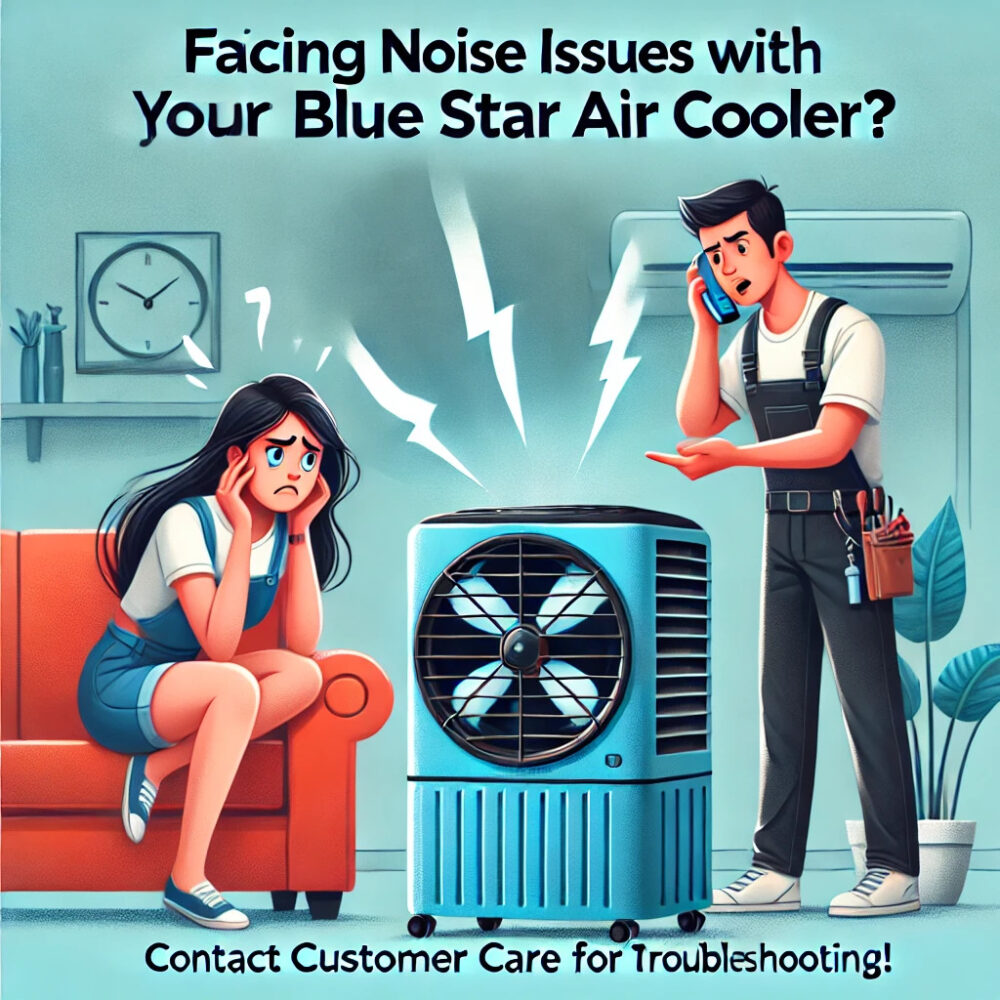
Is your Blue Star air cooler making an unusual rattling, buzzing, humming or grinding sound? The noise may come from vibration, a loose external panel, contact with an obstruction, water movement or a mechanical problem. However, the sound alone cannot confirm which component is responsible.
Start by switching the cooler off and checking for obvious external obstructions, an unstable position or a loose-looking panel. If the noise is loud, sudden, accompanied by a burning smell, or associated with electrical problems, stop using the appliance and seek professional assistance.
Common Reasons a Blue Star Air Cooler May Make Noise
Different sounds can indicate different problems. Use the following descriptions as preliminary guidance, not as a definitive diagnosis.
1. Rattling or vibrating sounds
A rattling sound may occur when the cooler is positioned on an uneven surface, an external panel is not seated correctly, or a component is vibrating during operation.
What you can safely check:
- Switch off the cooler and disconnect it from the power supply before any external inspection.
- Check whether the appliance is standing on a stable, level surface.
- Look for visibly displaced external panels or loose objects touching the housing.
- Consult the user manual for instructions on securing external panels, if applicable.
Do not remove protective grilles or reach inside the appliance to tighten internal parts.
2. Buzzing or humming sounds
A humming sound may be associated with normal motor operation, depending on the model. A new, unusually loud or persistent buzzing sound could indicate a mechanical or electrical issue.
Possible causes include vibration, a motor problem or an electrical fault. These possibilities cannot be distinguished reliably from sound alone.
If the noise is accompanied by overheating, a burning smell, sparks or repeated electrical interruptions, switch off the appliance, disconnect power only if it is safe to do so, and arrange a professional inspection.
Do not open the electrical compartment or attempt wiring repairs.
3. Grinding or squealing sounds
Grinding or squealing may indicate friction or wear in a moving component. Potential causes include a damaged rotating component, a bearing problem or misalignment.
These are possibilities, not confirmed diagnoses.
Stop operating the cooler if the sound is severe or persists. Do not apply oil or lubricant to the motor, bearings or other internal parts unless the exact model’s official instructions explicitly authorize the procedure for the user.
A technician may need to inspect the appliance to identify the source.
4. Unusual water or pump noises
Some sound from water movement may be normal in an evaporative air cooler. A sudden change in sound, however, may be associated with water circulation, the pump or another component.
You can check the visible water level and look for external leakage, provided the appliance is switched off and the check is safe.
Do not handle the pump, internal tubing, wiring or electrical components. If the pump sounds abnormal, water circulation stops, or leakage reaches electrical parts, discontinue use and seek assistance.
How to Troubleshoot Air Cooler Noise Safely
Follow this sequence before arranging service.
Step 1: Switch off the cooler
Turn the appliance off and disconnect it from the power supply before inspecting the exterior. Never inspect internal moving parts while the appliance is operating.
Step 2: Check the position of the appliance
Ensure that the cooler is on a stable, level surface. A rocking or unstable unit may vibrate more than usual.
Step 3: Look for external obstructions
Check for objects touching the outer housing or blocking accessible air openings. Do not insert fingers or tools through a grille, and do not remove protective covers to reach internal parts.
Step 4: Check visible external panels
Look for an obviously displaced or damaged panel. Only reseat or secure a part if the user manual specifically describes the procedure as a user-maintenance task. Otherwise, leave it for a technician.
Step 5: Review the user manual
Use the instructions for your exact Blue Star model. Different models may have different layouts, controls and maintenance requirements.
You can start with the official Blue Star air cooler product range and locate the appropriate product information or support resources.
Step 6: Decide whether professional assistance is needed
If the noise continues, returns after a basic external check, or appears to come from the motor, pump or internal mechanism, stop troubleshooting and arrange an inspection.
Do not repeatedly restart an appliance that is producing severe or unexplained noise.
When Should You Stop Using the Cooler?
Stop using the appliance and arrange professional assistance if you notice:
- A burning smell, smoke or sparks.
- A loud grinding sound or sudden mechanical noise.
- An unusually hot motor housing or signs of overheating.
- Damaged power cords, plugs or sockets.
- Water leaking near electrical components.
- Repeated tripping of an electrical protective device.
Do not bypass a protective device, open live electrical components or continue running the appliance to reproduce the sound. If there is smoke or a fire, keep away from the appliance and contact the appropriate emergency service.
How to Contact Blue Star for Official Support
If your cooler is under warranty or you suspect a product defect, start with the manufacturer’s official support channels.
Blue Star’s Service & Support page provides customer-care contact options, including:
- Customer care: 89 7678 1177 or 829 100 1177, as listed on the official support page.
- Email: customerservice@bluestarindia.com.
- Customer-care app: Use the official Blue Star Customer Care App to access available service options.
Confirm the current contact details on the manufacturer’s website before contacting support.
When registering a complaint, keep your model details, purchase invoice and warranty information available. Describe the noise, when it started, and whether the appliance also has a cooling, water-circulation or electrical problem.
If you need guidance on the complaint process, see our Blue Star air cooler complaint-registration guide.
What if the cooler is still under warranty?
Check the warranty conditions applicable to your model and purchase date before arranging third-party repairs.
Blue Star publishes its official warranty terms. Coverage and exclusions depend on the applicable terms. Do not assume that every repair or replacement will be covered.
Avoid unauthorized disassembly or repairs until you have checked the manufacturer’s instructions and warranty requirements.
Can Regular Maintenance Prevent Air Cooler Noise?
Appropriate maintenance may help reduce some avoidable problems, although it cannot prevent every mechanical failure.
- Keep the exterior clean according to the model’s instructions.
- Maintain the cooler on a stable surface.
- Check accessible external openings for obstructions.
- Follow the manufacturer’s instructions for cleaning the water tank and other user-serviceable parts.
- Stop using the appliance when new, severe or persistent noises appear.
- Arrange professional inspection when the source of the noise is unclear.
Never substitute generic maintenance advice for the instructions supplied with your specific model.
Frequently Asked Questions
Why is my Blue Star air cooler making a rattling noise?
Possible causes include vibration, an unstable position, an external panel that is not seated correctly, or a mechanical problem. Switch the cooler off and check its position and exterior. Persistent rattling requires further inspection.
Is a humming sound from an air cooler normal?
Some humming may be normal during operation, depending on the model. A new, unusually loud or persistent hum should not automatically be treated as normal, especially if accompanied by overheating or other symptoms.
Can I lubricate the fan motor to stop the noise?
Do not apply lubricant to internal motor or bearing components unless the official instructions for the exact model explicitly permit it as user maintenance. Incorrect intervention can damage components or create safety risks.
Should I continue using the cooler if it makes a grinding sound?
No. Stop using it if the grinding sound is severe, sudden or persistent. Arrange an inspection rather than repeatedly restarting the appliance.
Where can I find the official Blue Star air cooler customer-care details?
Use the official Blue Star Service & Support page to check current customer-care options and the appropriate complaint-registration process.
What should I do if the cooler is noisy and not cooling?
Switch it off if the noise is abnormal, particularly if there are signs of overheating or an electrical problem. For separate cooling-performance guidance, see our Blue Star air cooler not-cooling guide.
Conclusion
A noisy Blue Star air cooler may have a simple external cause, but rattling, buzzing, grinding and unusual water noises can also indicate a mechanical or electrical problem. Begin with safe external checks, consult the manual for your exact model, and stop using the appliance when the noise is severe or accompanied by warning signs.
For manufacturer complaints and warranty-related questions, use Blue Star’s official support channels. If the problem requires physical inspection or repair, seek an appropriately qualified service professional.